How to update Kali Linux in virtual box
Update Kali
It is important to keep updating Kali Linux and its tools to the new versions, to remain functional. Following are the steps to update Kali.
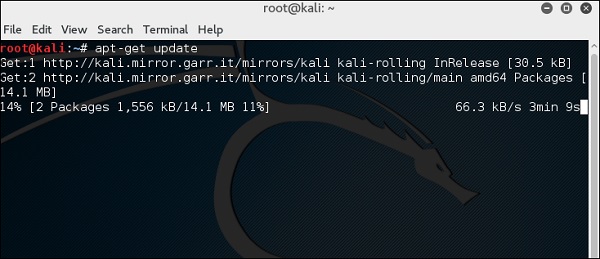
Step 1 − Go to Application → Terminal. Then, type “apt-get update” and the update will take place as shown in the following screenshot.
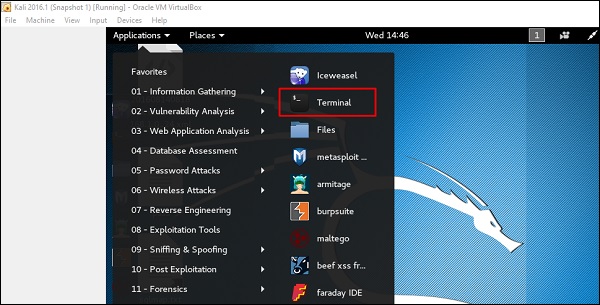
Step 2 − Now to upgrade the tools, type “apt-get upgrade” and the new packages will be downloaded.
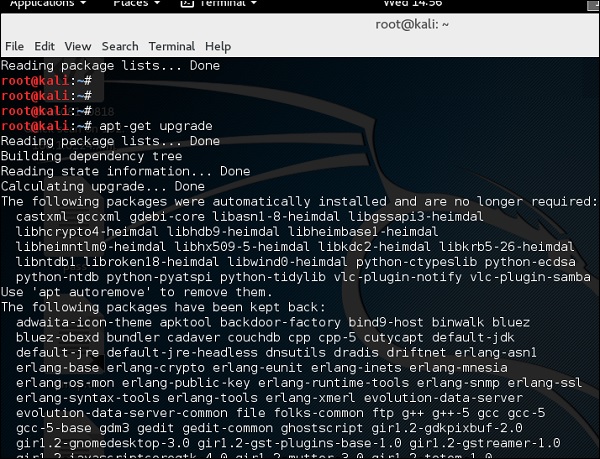
Step 3 − It will ask if you want to continue. Type “Y” and “Enter”.

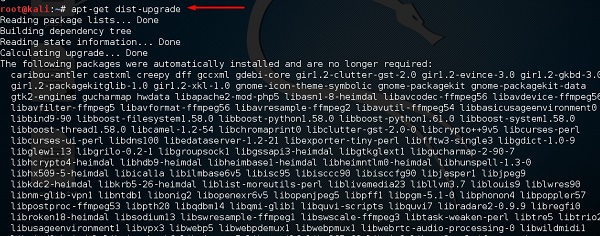
Step 4 − To upgrade to a newer version of Operating System, type “apt-get distupgrade”.
Visit My Website: https://blazecorporation.in/

Comments
Post a Comment